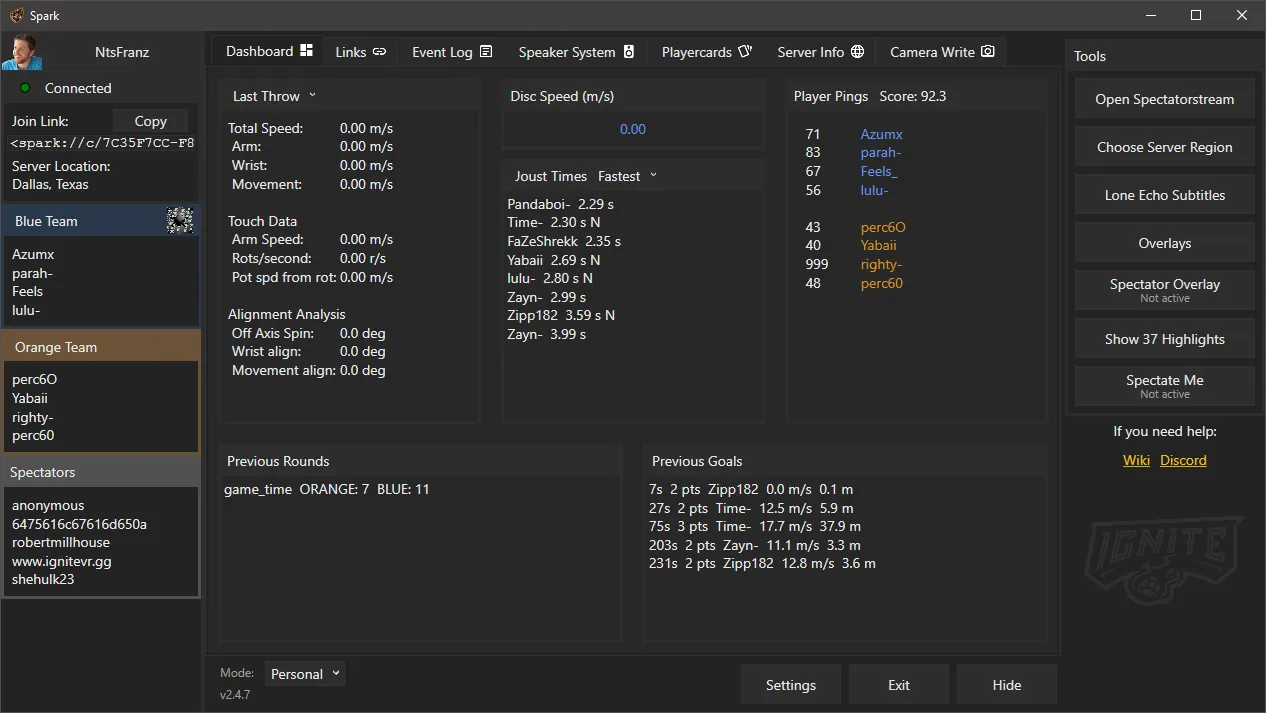
Spark is a Windows desktop program that can record, process, and upload EchoVR data from either a local EchoVR client or an Oculus Quest on the same network. Check out the Echopedia page for a full list of features.
Spark is not a spectator client. However, it can be used to launch the PC version of Echo VR in spectator mode.
Features
spark:// Links
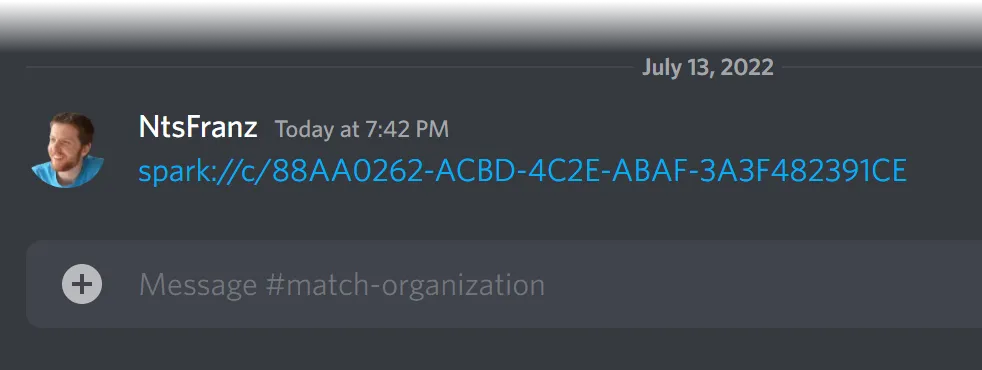
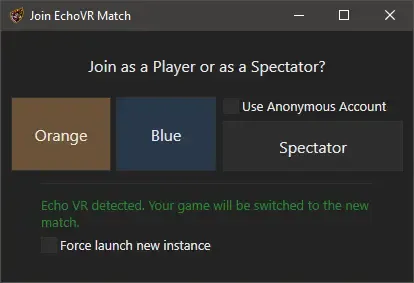
Send clickable links in Discord for private matches. No friend requests needed. Casters can instantly join in spectator mode. This now works for both Quest and PCVR users.
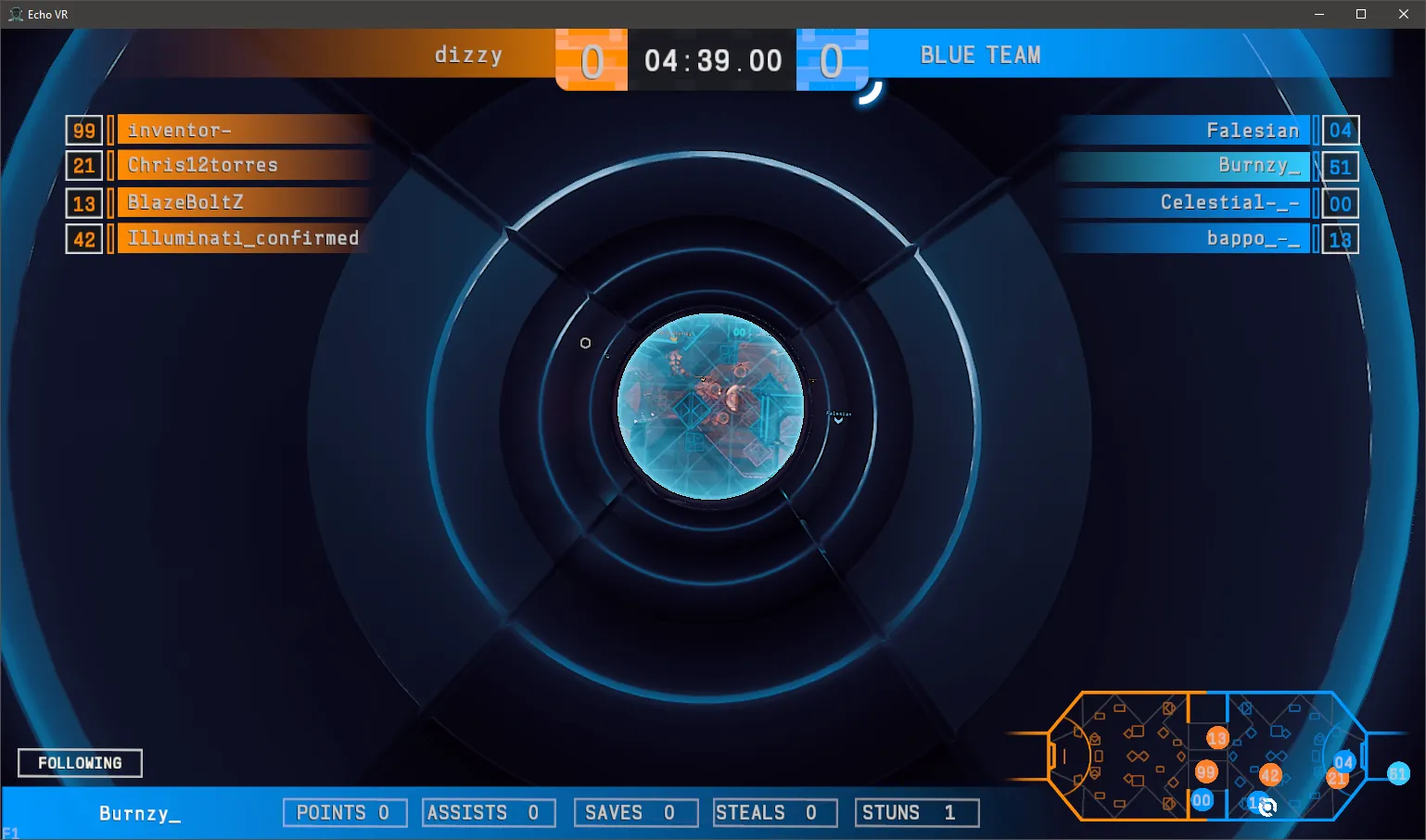
Spectate Me
Automatically open the PC Echo VR spectator client in your match. Makes streaming your matches on Quest easy!
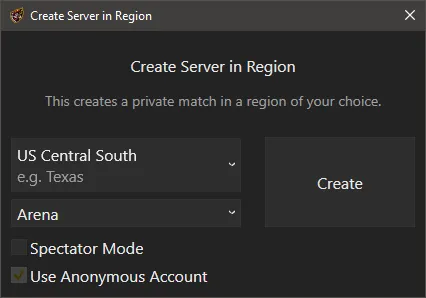
Private Match Server Selector
Choose the region you want to launch a private match in. Always get a central server even if you aren't nearby.
Event Log
Documents every event that happens in your matches with timestamps. Saves to a file per match, so you can go back and look later.
Create Replay Files
Create .echoreplay or .butter files that can
be viewed from any angle and in slow motion in 2D or VR with the Replay Viewer.
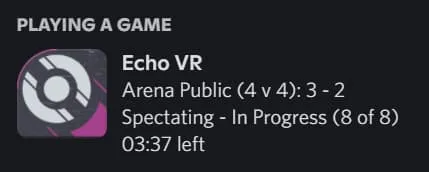
Discord Rich Presence
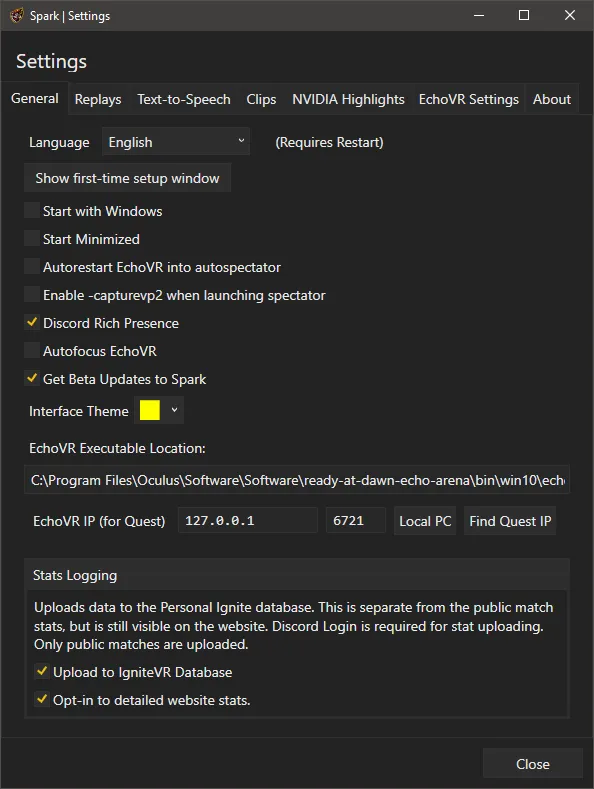
Shows detailed information about the match you are currently playing (if you choose to enable it).
and many more...
- Text-to-Speech
- Automatic Clipping with NVIDIA Highlights, OBS, or Medal.tv
- Automatic scene changes based on goals or game state in OBS
- Camera Write API controls
- Change Echo VR settings from within Spark
- Upload detailed public match stats to metrics.ignitevr.gg
- Upload Tablet Stats to metrics.ignitevr.gg
- Automatically control the spectator camera using easy settings
- Available in both English and Japanese
- Built-in Echo Speaker System for spatialized music
- Detailed server location info
- Private match rule presets
- Spectator overlays
- Subtitles for Lone Echo
- Websocket and stats API for building your own overlays
- Management interface for controlling overlay contents/appearance
Support
For support questions, check out the Echopedia page.
Contributing
Contributions and improvements are welcome. To contribute, please create a pull request on the GitHub repository. If you have any questions, feel free to contact NtsFranz on Discord.
Release History
For a full history of all previous beta and full Spark releases, check out the Releases page on the GitHub.